nizima LIVE 2.5 and nizima LIVE TRACKER 1.5: Big Update!
Animation data export feature, live-action camera background feature, and more.
Hello, this is the nizima LIVE team. We have released VTuber tracking app desktop version “nizima LIVE” 2.5 and mobile version “nizima LIVE TRACKER” 1.5!
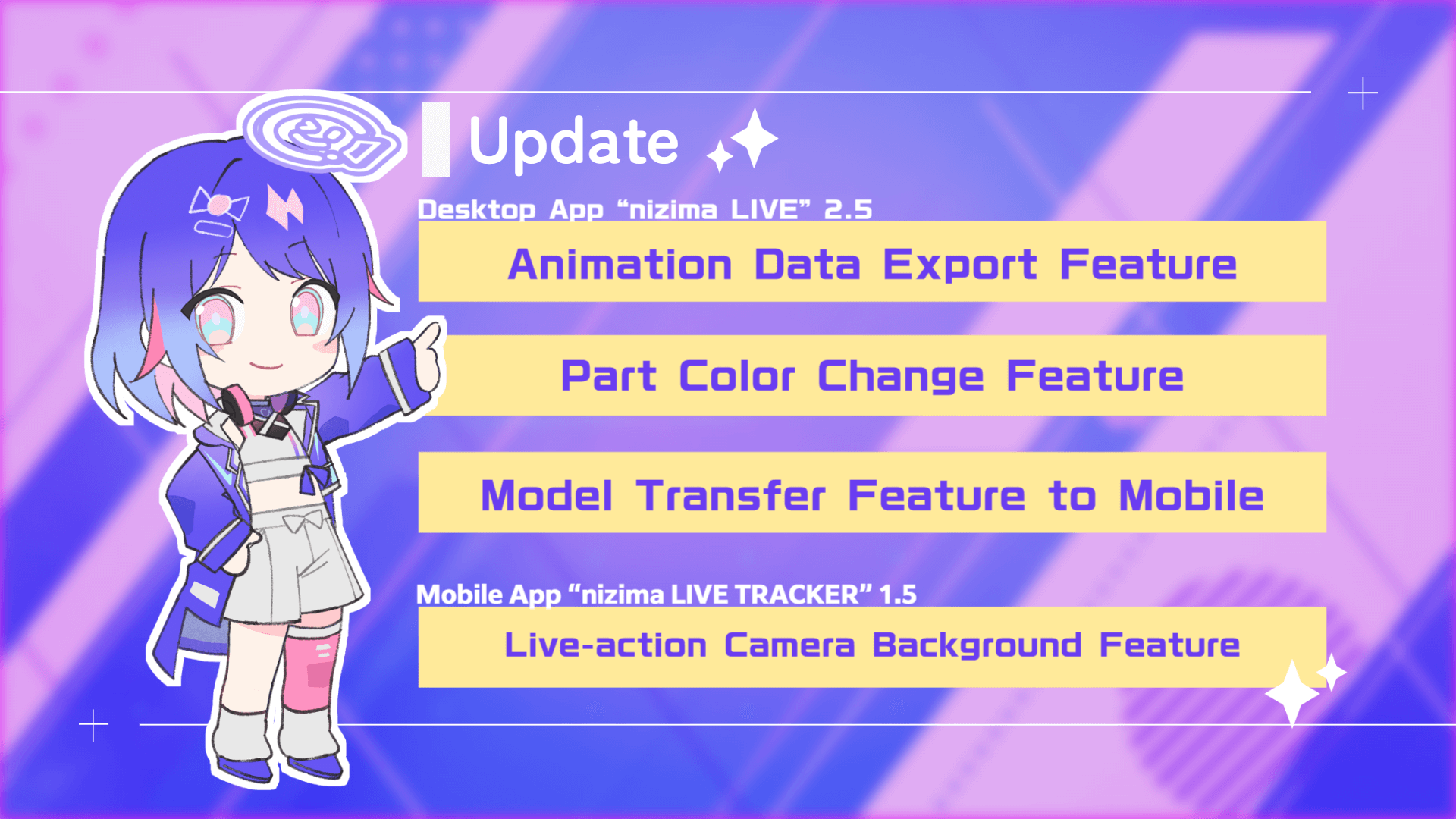
Desktop App “nizima LIVE” 2.5 – New Features
★Animation Data Export Feature
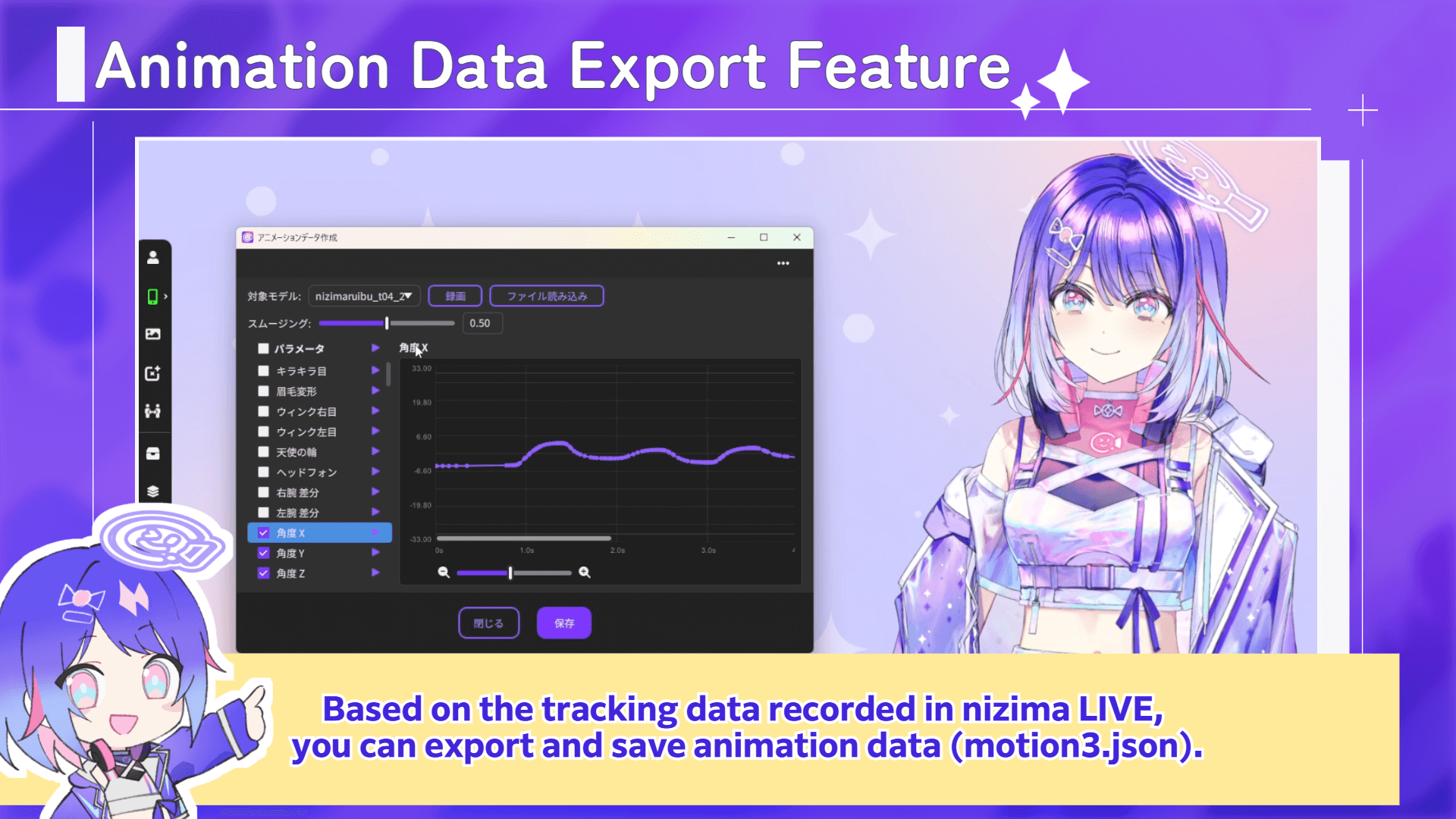
The animation data export feature has been added!
Based on the tracking data recorded in nizima LIVE, you can create and save animation data (motion3.json).
This makes it easy to generate data useful for Live2D portfolio videos or Live2D animations.
You can also adjust the smoothing value to thin out and interpolate points, and also play back or select the Live2D parameters to be exported individually.
Additionally, you can import live-action videos including a real human face and create animation data (motion3.json) based on them.
The animation data export feature can be accessed from the nizima LIVE main window: Settings/other > Create animation data
★Part Color Change Feature
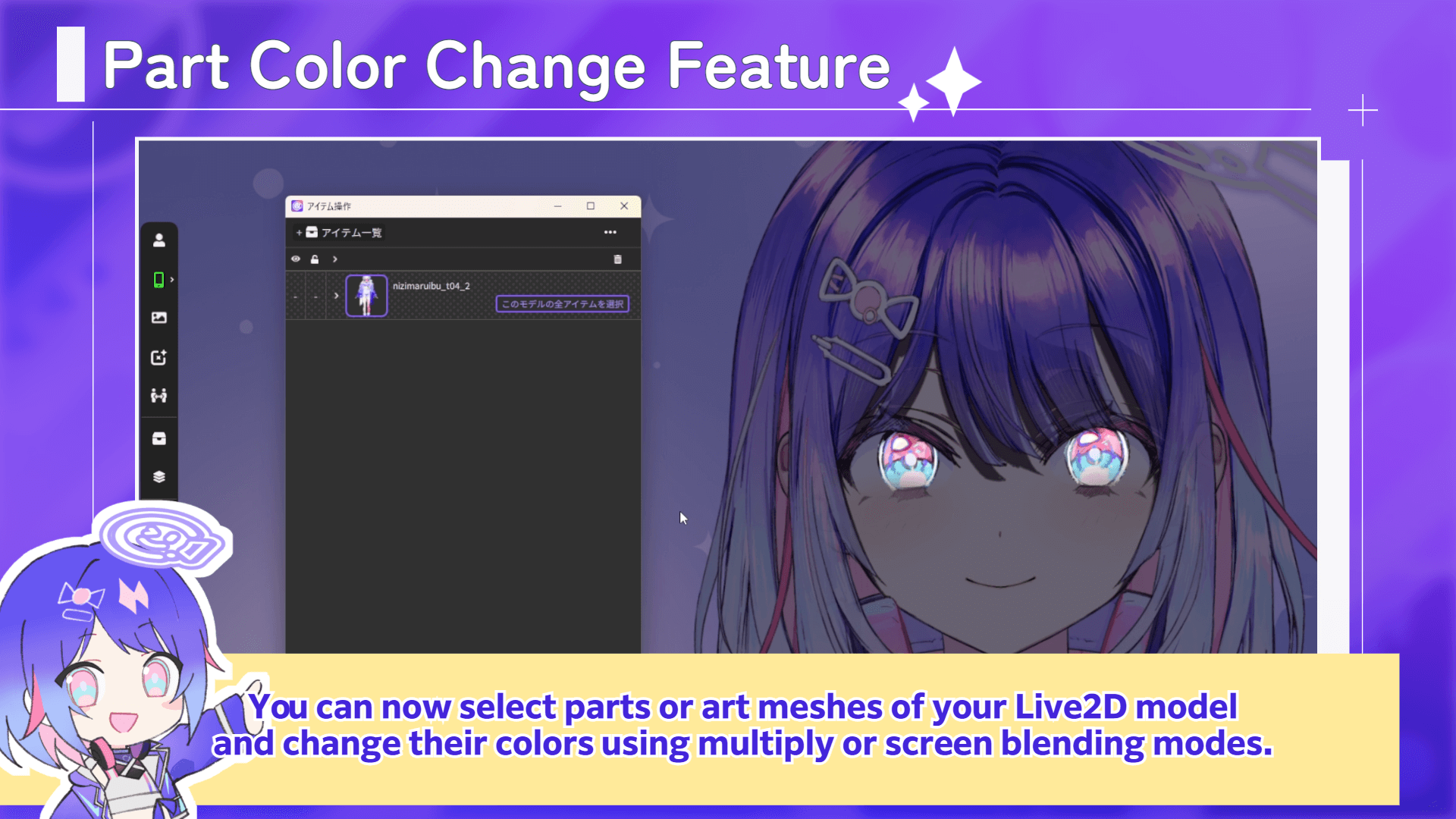
You can now select parts or art meshes of your Live2D model and change their colors using multiply or screen blending modes.
This allows you to change just portions of clothing or hair, or create effects like darkening the entire model while keeping only the eyes glowing.
You can also now disable item attachment to selected parts or art meshes.
For example, when attaching glasses items, if bangs get in the way, you can disable attachment to the bangs to position the glasses.
These features can be accessed from: nizima LIVE main window > Item management > Open the model you want to edit with “>” > ArtmeshEdit > “Change Multiply/Screen Color” icon, or the lock icon for “Change Item Attachment Availability”.
*Please be sure to obtain permission from the model creator before using these features.
★Model Transfer Feature to Mobile

You can now transfer Live2D models from the desktop app “nizima LIVE” to the mobile app “nizima LIVE TRACKER”!
Models can be sent easily through the app interface without needing to manually move files, making it much more convenient to use Live2D models on your smartphone.
To use the model transfer feature, first connect the desktop and mobile versions. Then, on the desktop version:
nizima LIVE main window > Model List > select the model you want to send > click the “…” in the upper right > select “Send the selected model to your iPhone”.
Other updates include:
– Added facial detection parameters
– Scene feature now supports collaboration
– Added crash report feature
– Other minor fixes
Mobile App “nizima LIVE TRACKER” 1.5 – New Features
★Live-action Camera Background Feature
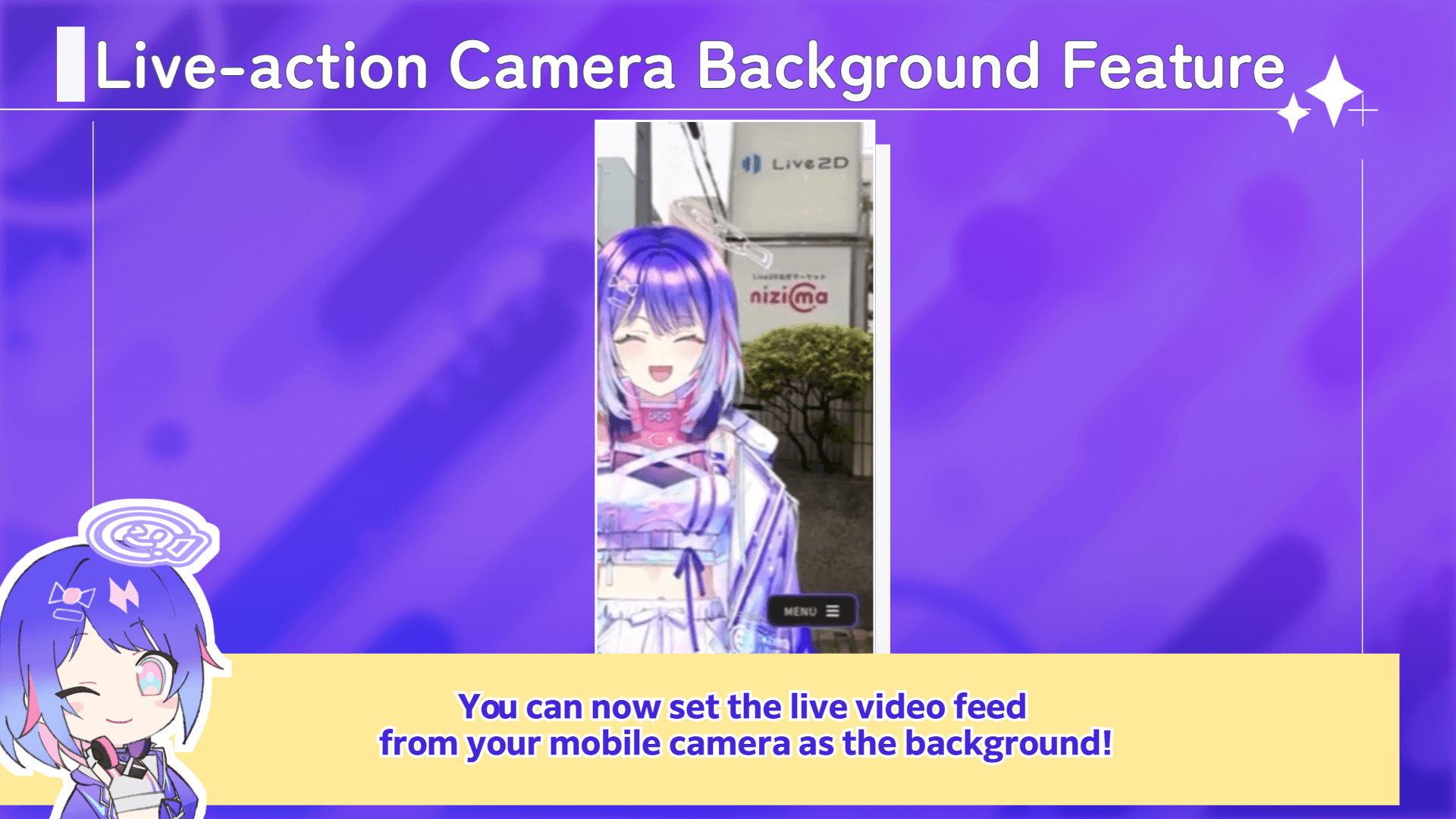
You can now set the live video feed from your mobile camera as the background!
This feature is convenient for shooting Vlog videos or social media content.
*To prevent operational errors, a warning window will always appear before displaying the live-action background.
Additional updates include:
– Changed status bar (clock, battery status, etc.) to be more readable even when the model is hidden
– Changed to hide the status bar when hiding the UI with double tap
– Log output feature
– Other minor fixes
We will continue to update nizima LIVE to support your VTuber livestreams. Thank you.
▼Download/Update nizima LIVE (Windows/macOS)
https://nizimalive.com/en/download/
▼Download/Update nizima LIVE TRACKER(iOS)
https://apps.apple.com/en/app/nizima-live-tracker/id1563679978?mt=8
The nizima LIVE Official Discord Server is OPEN!We have opened the official Discord server for Nizima LIVE, where users can discuss, share their feedback, report bugs, ask questions, and more. We encourage you to join us! We also host regular user roundtable discussions within the server, where users can exchange opinions on how to use the platform, suggest features they want, and more.
▼Join the nizima LIVE Official Discord Server
(Free)https://discord.gg/6nDN4a3aAf